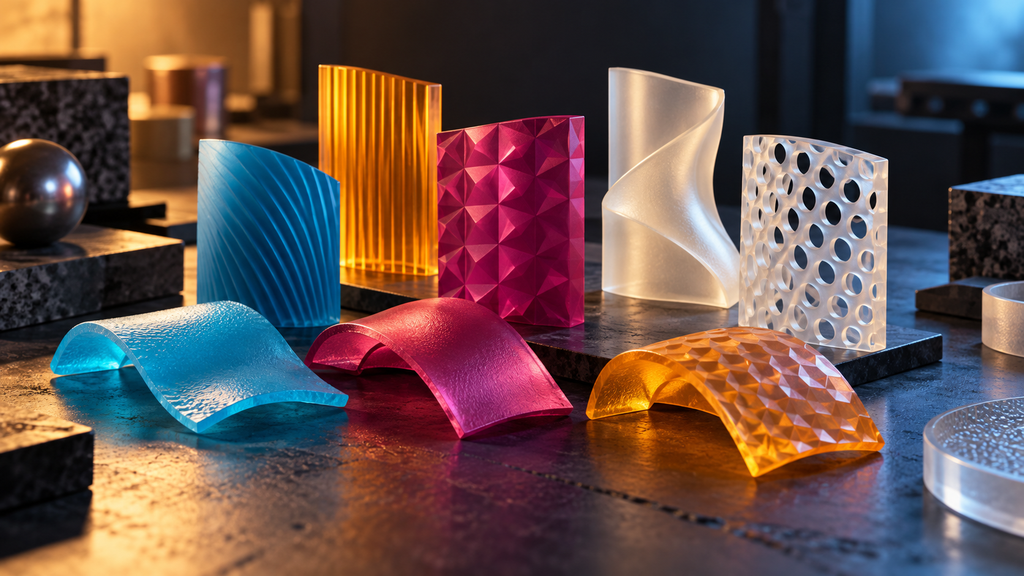
A printed part can have the right dimensions and still look wrong. In full-color 3D printing, the result also depends on how materials, surfaces and lighting interact. Checking a model's shape is therefore only one part of checking its appearance.
The useful shift is from asking whether a file contains the intended colors to asking whether the manufacturing process will reproduce the appearance you need. Preview software tries to bring that question forward, before another physical iteration consumes material and time.
Geometry and appearance are different checks
A shape preview can help establish where a surface exists. It does not by itself establish the color, translucency or finish of the manufactured object. A familiar-looking model on screen may hide assumptions about materials or illumination that do not match the eventual print.
Additive Appearance describes PrismSlicer as software for full-color inkjet 3D printing. Its appearance tools address how a printed object looks, alongside other preparation tasks. This is a specialized workflow, not a claim that every desktop printer can suddenly print a photorealistic object.
What an appearance preview is trying to simulate
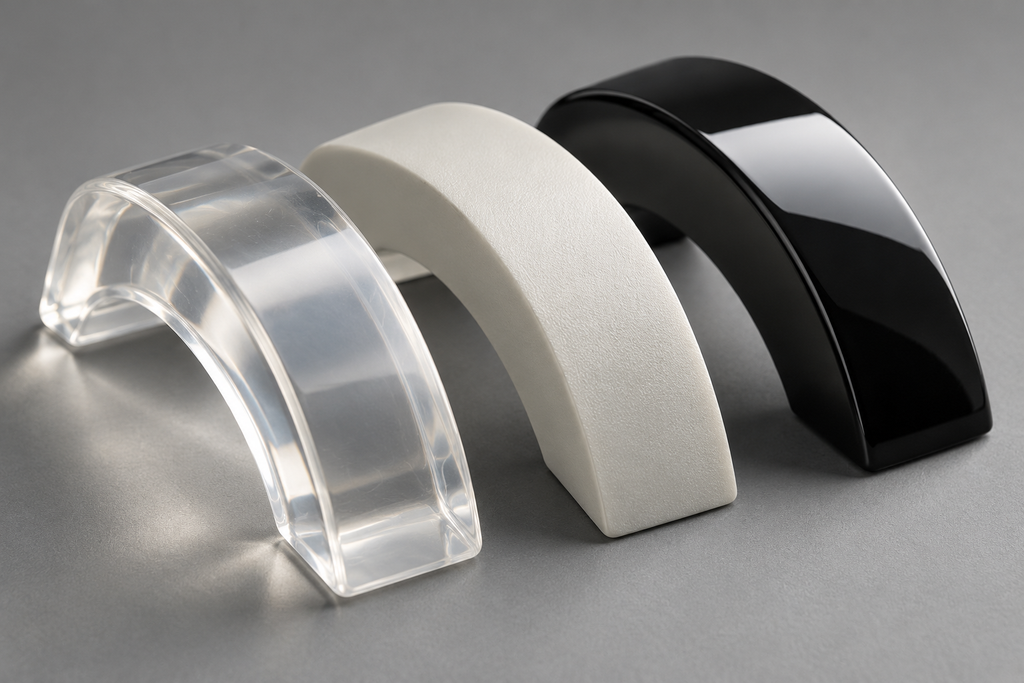
The developer's Appearance Preview documentation describes loading calibrated optical properties and simulating light interacting with the print. The relevant idea is that a material is not just a color label: light can reflect from it, pass through it, or scatter within it.
The company presents the preview as a way to reduce trial and error. Treat that as a capability to evaluate against your intended materials and printer, rather than a universal guarantee that a render will eliminate physical testing.
Before relying on a preview, ask which assumptions it contains. Does it represent the right printer and material combination? What surface finish is being modeled? What lighting will be used to judge the result? Those questions define what the preview can usefully predict.
Why the LAIKA report matters
An October 21 3D Printing Industry report describes an agreement to make PrismSlicer's renderer available in LAIKA's production workflow, including previews under custom studio lighting. The relevance extends beyond the announcement: animation assets must be evaluated in the conditions where they will be photographed.
That example illustrates a manufacturing problem without proving a specific reduction in cost or production time. No independently verified savings percentage is assumed here. A projected benefit and a measured production result should remain separate claims.
Build a small validation loop
For a project that depends on appearance, define the comparison before running a large job:
- Choose a representative test piece. Include the details or material transitions most likely to matter.
- Record the setup. Keep the printer, materials, finish and relevant settings identifiable.
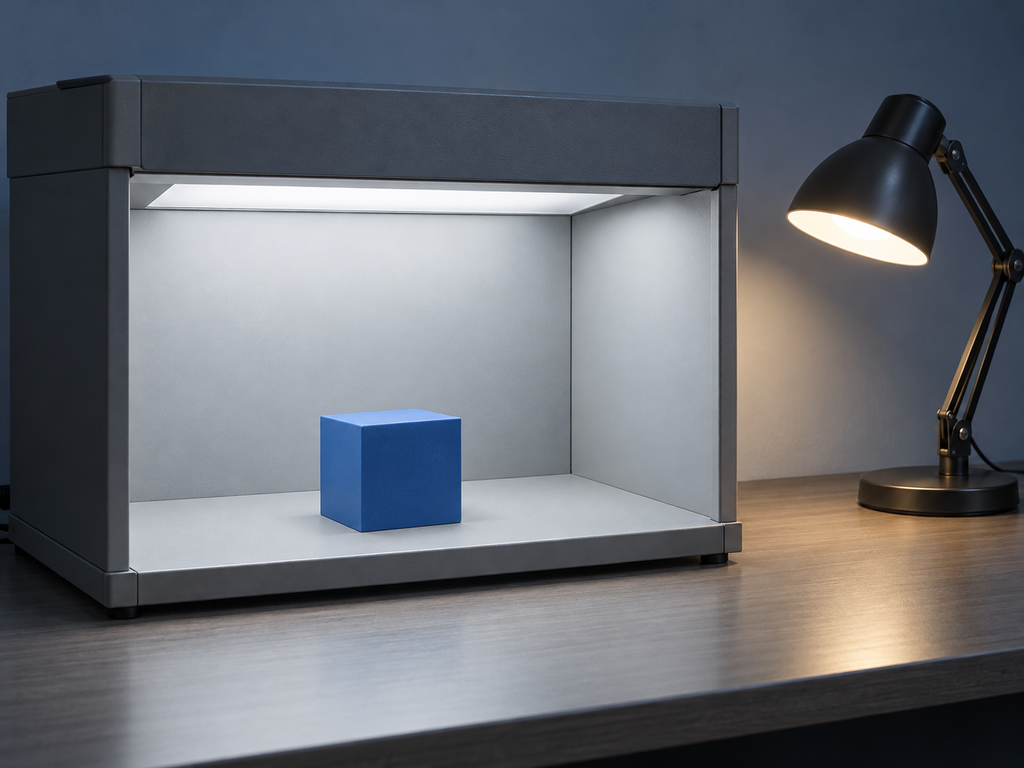
- Specify the viewing conditions. Decide how the finished object will be illuminated and inspected.
- Compare like with like. Evaluate the preview and the produced sample against the same intended appearance.
- Keep the result. Preserve images and notes so a later revision has a useful reference.
This is a proposed quality-control approach, not a hands-on test of PrismSlicer or a substitute for the manufacturer's workflow instructions.
Know which technology the claim belongs to
The developer's product overview distinguishes full-color material-jetting tools from its separate resin-printing product. Do not transfer a feature description from one product to a different printing process simply because both use the word slicer.
The broader lesson is straightforward: an attractive render is a hypothesis about a physical result. The more precisely its assumptions match your process, the more useful it becomes. Keep physical verification focused on the details that matter, rather than treating either the screen or the printer as infallible.
Images are AI-generated editorial illustrations, not photographs documenting a product test or a specific event.